
Hidden & Discreet Security Cameras
Used for legitimate security and monitoring applications
Explore discreet wired cameras designed for controlled surveillance setups where visibility and placement are important.
Browse Hidden Cameras
Hidden cameras are becoming increasingly common these days, thanks to their easy availability from websites. Unfortunately, though they are marketed for legit surveillance purposes, they are often used for far less honorable reasons, such as voyeurism or spying on shoppers, visitors, and guests.
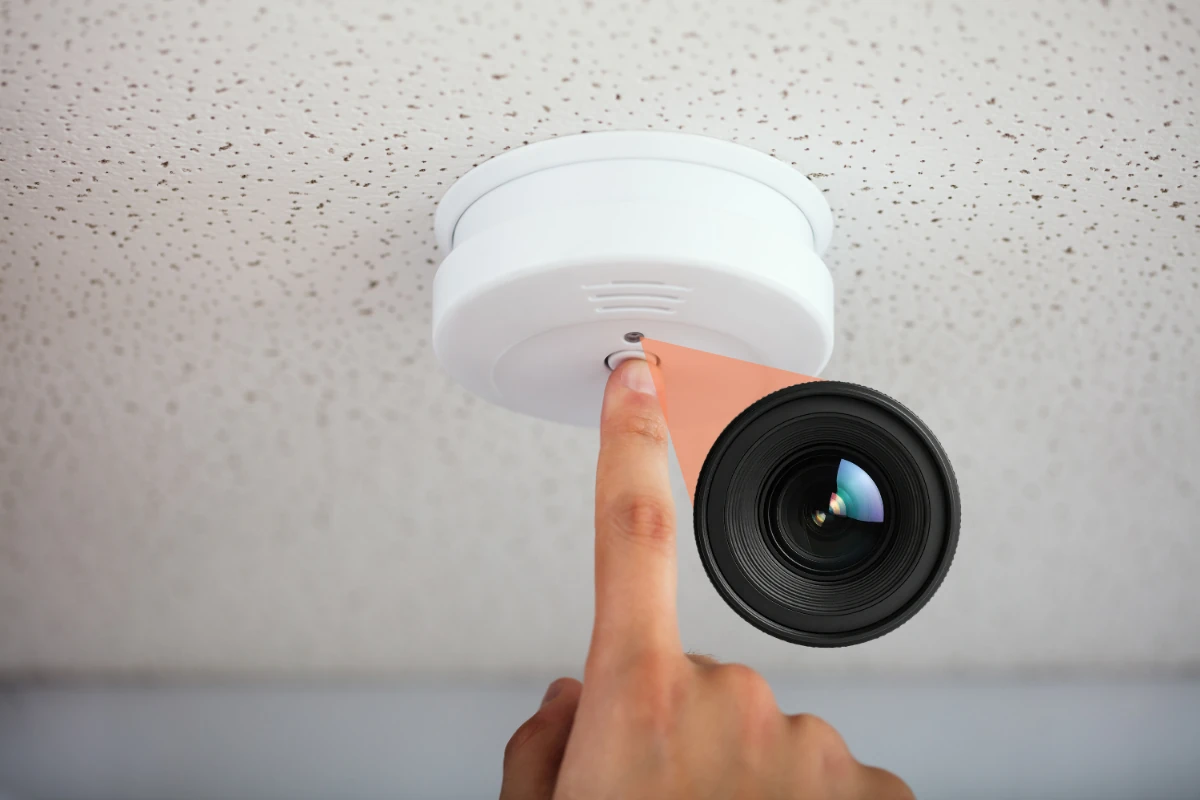
One of the most common places for hidden cameras is smoke detectors. These devices can be easily installed in most indoor spaces without suspicion, making them a favorite for anyone seeking to invade the privacy of victims. Imagine staying in a hotel room or Airbnb and discovering that the smoke detector above your bed is recording you. Knowing how to spot these concealed cameras can help you safeguard your privacy in public, rented, and shared spaces.
While hidden cameras are often misused, similar discreet camera designs are also used in legitimate security applications where visibility and placement matter. Understanding the difference is key.

Hidden & Discreet Security Cameras
Used for legitimate security and monitoring applications
Explore discreet wired cameras designed for controlled surveillance setups where visibility and placement are important.
Browse Hidden CamerasYou might be asking, "Well, why are smoke detectors used for hidden cameras?" Smoke detectors are hosts of hidden cameras for several reasons:
Smoke detectors are small and discreet compared to other household items and electronics. Since they are typically installed on the ceiling, they can house a camera without tipping anyone off.
One of the biggest advantages of ceiling-mounted smoke detector cameras is their vantage point. From the ceiling, they provide a wide-angle view, making them useful for surveillance of most areas.
Smoke detectors are common in private places like hotel rooms, retail changing rooms, and offices, as they are typically installed for safety. Their regularity makes it less suspicious to see one installed, even in more personal areas.
Smoke detector cameras are designed to blend into areas where they’re normally installed. Understanding how they work will help you identify them and protect your privacy.
Although they look like ordinary smoke detectors, these devices are equipped with surveillance hardware. Most smoke detector cameras contain the following parts:
Although they look like regular old smoke detectors, they are equipped with surveillance hardware. Most smoke detector cameras have the following parts:
Modern IP and PoE hidden cameras are equipped with wired, WiFi, or Bluetooth hardware, allowing them to connect to local computer networks for internet access. Some even use mobile data connections to stream footage remotely and store it in the cloud.
How they record depends on the type of recorder used, whether it’s a remote cloud server, an SD card, or a local recorder. Some models might have the ability to record when motion or sound is detected, while others may only be able to record continuously.
These network-connected models often also have microSD card slots for onboard recording, giving users the option to store footage locally. People who install these types of cameras can access them through mobile apps or computer software, allowing live viewing and playback from anywhere. Unfortunately, this flexibility makes modern hidden cameras harder to detect and trace back to offenders.
Older analog hidden cameras, on the other hand, were typically wired to a DVR located either in a surveillance control room or hidden nearby where only the user could access it. Because these older setups relied on physical connections, they were much easier to trace back to the recording device and disable or to track down the offender.
Due to safety regulations, smoke detectors are present in almost every building, and it's not uncommon to find hidden cameras embedded within them. Here are the most common places you might encounter smoke detector cameras:
While it might seem obvious to inspect any smoke detector in the room, there are several methods you can use to figure out whether it’s just a regular detector or secretly recording you.
There are a few specific things to look for when examining a smoke detector for hidden cameras:
Flashlights are useful for checking smoke detectors because they can reveal hidden lenses. Your phone’s flashlight works just as well.
Some hidden camera models have infrared LEDs that allow for recording black-and-white video in the dark. Although the IR light itself is not visible to the human eye, your phone's camera can detect it.
Newer models of hidden smoke detector cameras may have wireless networking hardware that lets them either broadcast a network or join WiFi networks. While RF (radio frequency) detectors are not widely available, they are indispensable tools for detecting hidden cameras.
If you believe you have found a camera within a smoke detector, you should do the following: